Documentation Index
Fetch the complete documentation index at: https://docs.reown.com/llms.txt
Use this file to discover all available pages before exploring further.
AppKit provides pre-built React components that you can use to trigger the modal or display wallet information.
React Components
import {
AppKitButton,
AppKitConnectButton,
AppKitAccountButton,
AppKitNetworkButton
} from "@reown/appkit/react";
export default function MyApp() {
return (
<div>
{/* Default button that handles the modal state */}
<AppKitButton />
{/* Button for connecting a wallet */}
<AppKitConnectButton />
{/* Button for account view */}
<AppKitAccountButton />
{/* Button for network selection */}
<AppKitNetworkButton />
</div>
);
}
Component Properties
All React components support the same properties as their HTML element counterparts:
- AppKitButton:
size, label, loadingLabel, disabled, balance, namespace
- AppKitConnectButton:
size, label, loadingLabel
- AppKitAccountButton:
disabled, balance
- AppKitNetworkButton:
disabled
React Components
AppKit provides React-specific components that integrate seamlessly with your React application. These components automatically reflect the AppKit state and provide a more React-native experience.
These React components provide the same functionality as the web components but with better React integration and TypeScript support.
import { AppKitButton, AppKitNetworkButton } from '@reown/appkit/react'
export function AppKitButtons() {
return (
<div>
{/* Default button */}
<AppKitButton />
{/* Network selection button */}
<AppKitNetworkButton />
{/* Button with specific namespace */}
<AppKitButton namespace="eip155" />
</div>
)
}
Props
Both components accept the following optional props:
| Prop | Type | Description |
|---|
namespace | string | Specify the blockchain namespace (eip155, solana, bip122) |
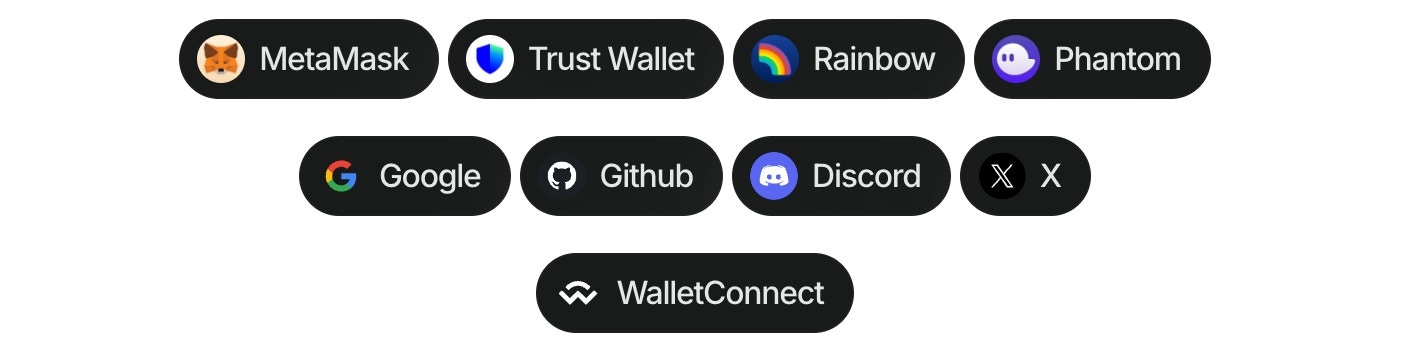
Using the wallet button components (Demo in our Lab), you can directly connect to more than 40 of the top wallets globally, WalletConnect QR, and all the social logins.
This component allows to customize dApps, enabling users to connect their wallets effortlessly, all without the need to open the traditional modal.
Follow these steps to use the component:
- Install the package:
npm install @reown/appkit-wallet-button
- Import the library in the project:
import "@reown/appkit-wallet-button/react";
- Use the component in the project:
import { AppKitWalletButton } from "@reown/appkit-wallet-button/react";
export default function MyApp() {
return <AppKitWalletButton wallet="metamask" />;
}
Multichain Support
You can specify a blockchain namespace to target specific chains:
<!-- Connect to Ethereum/EVM chains -->
<appkit-wallet-button wallet="metamask" namespace="eip155" />
<!-- Connect to Solana -->
<appkit-wallet-button wallet="phantom" namespace="solana" />
<!-- Connect to Bitcoin -->
<appkit-wallet-button wallet="leather" namespace="bip122" />
React Hook Integration
You can also use the useAppKitWallet hook for programmatic wallet connections with multichain support:
import { useAppKitWallet } from '@reown/appkit-wallet-button/react'
export function WalletConnector() {
const { data, error, isPending, isSuccess, isError, connect } = useAppKitWallet({
namespace: 'eip155', // Use 'solana' or 'bip122' for other chains
onError: err => {
console.error('Connection error:', err)
},
onSuccess: data => {
console.log('Connected successfully:', data)
}
})
return (
<>
<button onClick={() => connect('walletConnect')}>Open QR modal</button>
<button onClick={() => connect('metamask')}>Connect to MetaMask</button>
<button onClick={() => connect('google')}>Connect to Google</button>
</>
)
}
Options for wallet property
| Type | Options |
|---|
| QR Code | walletConnect |
| Wallets | metamask, trust, coinbase, rainbow, jupiter, solflare, coin98, magic-eden, backpack, frontier, xverse, okx, bitget, leather, binance, uniswap, safepal, bybit, phantom, ledger, timeless-x, safe, zerion, oneinch, crypto-com, imtoken, kraken, ronin, robinhood, exodus, argent, tokenpocket, haha, ambire-wallet, bitpay, blade-wallet, brave, coinstats, kresus-superapp, plena-app, status, tomo-wallet, valora, and zengo-wallet |
| Social logins | google, github, apple, facebook, x, discord and farcaster |
Options for namespace property
| Value | Description |
|---|
eip155 | Ethereum and EVM-compatible chains |
solana | Solana blockchain |
bip122 | Bitcoin blockchain |